Build a Crypto Trading Bot With Grok and TradingView
Build a crypto trading bot with Grok and TradingView, no code needed. Backtest, connect webhooks, and automate from $100 with up to 10x leverage.
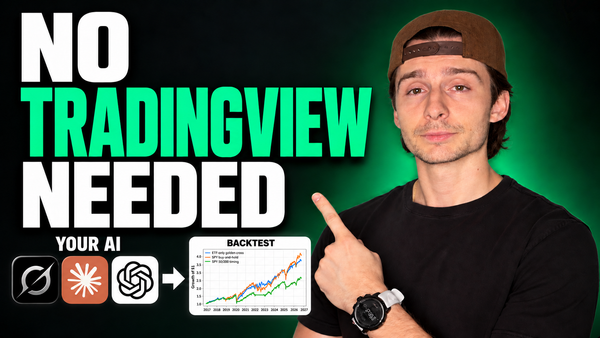
You don't need to know Python, or any code at all, to build a crypto trading bot today. All you need are trading ideas and two tools: Grok to write and run your strategies, and TradingView to backtest them. Your trades then flow into a bot on AlphaInsider that executes them on your own brokerage account.
This guide walks through the whole process step by step. Grok builds custom strategies for you, writes Pine Script you can backtest on TradingView, and every signal gets sent to a trading bot that automates the trades. You can start with as little as $100 and use up to 10x leverage. It sounds too good to be true, but it isn't.
There are two ways to get there. One uses only Grok. The other adds TradingView and webhook alerts. Both end at the same place: a diversified bot that trades without you.
Table of Contents
- Key Takeaways
- Two Ways to Build a Crypto Trading Bot With Grok
- Prerequisites / What You'll Need
- Path One: Build and Automate the Strategy Entirely in Grok
- Path Two: Have Grok Write Pine Script for TradingView
- Turn Your Strategies Into a Trading Bot
- Strategy Leverage vs. Bot Leverage
- Tips & Best Practices
- Common Mistakes to Avoid
- Troubleshooting
- Frequently Asked Questions
- Conclusion
Key Takeaways
- No coding required. Grok builds strategies through conversation, or writes Pine Script for TradingView when you ask.
- Two paths, one bot. Path one keeps everything inside Grok. Path two backtests Grok's Pine Script on TradingView and sends signals by webhook.
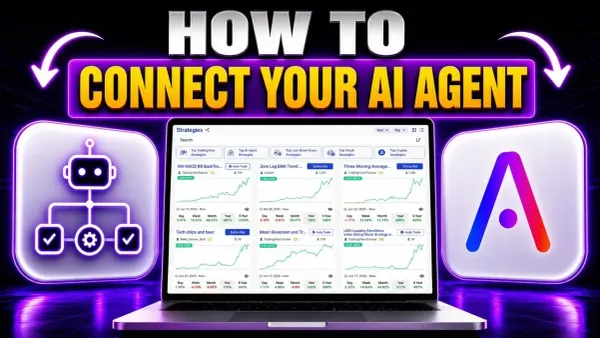
- The Strategy Creator skill is the bridge. It teaches Grok (or ChatGPT, Claude, or any AI that supports skills) how to build, schedule, and automate strategies on AlphaInsider.
- Strategy ideas can be almost anything, from a Super Bowl-based model to McDonald's ice cream machines to overnight-only crypto trading.
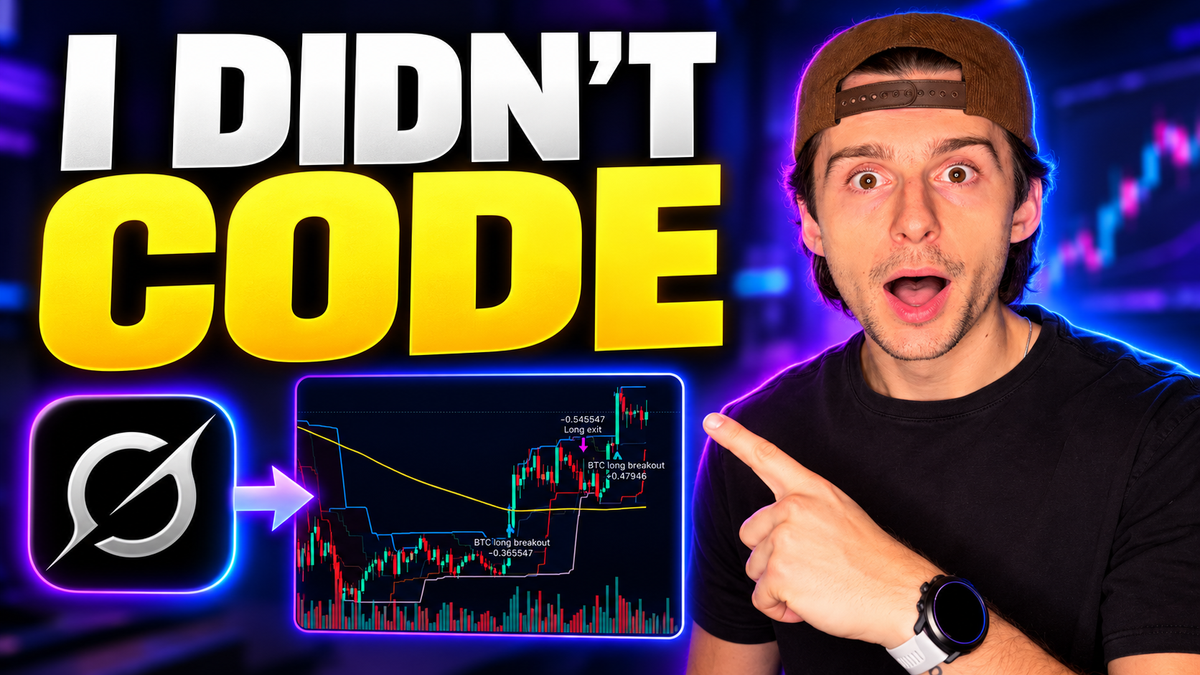
- A Grok-written Bitcoin breakout script backtested at a 300% return on TradingView, with a 38.67% max drawdown, a 23.26% win rate, and a 1.5 profit factor.
- Start with $100. Hyperliquid and Lighter require no KYC and allow up to 10x leverage on your trading bot.
- Diversify inside one bot. Combine your own strategies with thousands of public, third-party verified strategies and set the allocation for each.
Two Ways to Build a Crypto Trading Bot With Grok
Both paths start with an idea and end with automated trades on your own broker. The difference is where the strategy lives and how its signals travel:
| Path One: Grok Only | Path Two: Grok + TradingView | |
|---|---|---|
| Who builds the strategy | Grok, through the Strategy Creator skill | Grok writes Pine Script code |
| Where you backtest | Inside Grok, against buy-and-hold | On TradingView's strategy tester |
| How trades get sent | Grok's scheduled automation | TradingView webhook alerts |
| TradingView plan needed | No | Yes, a paid plan for webhooks |
| Best for | Unusual ideas and data-driven strategies | Chart-based strategies you want to fine-tune |
In both cases, trades land on an AlphaInsider strategy first. There you can verify how the strategy actually trades in live market conditions, see how volatile it is, and confirm it behaves like its backtest. Only then does it go into a trading bot, where you set the leverage and let it run with your own funds.
Prerequisites / What You'll Need
- Grok, or another AI that supports skills, such as ChatGPT or Claude.
- A free AlphaInsider account to host, track, and automate your strategies.
- A paid TradingView plan, but only for path two, since webhook alerts require one.
- A crypto broker account: Hyperliquid or Lighter (no KYC, $100 minimum deposit) or Binance. Alpaca is the option for stock bots.
- At least $100 if you plan to trade live.
- Skill level: beginner. If you can describe an idea, you can build the strategy.
Ready to build your first trading bot?
Create a free account, host your strategies, and automate them from just $100.
Path One: Build and Automate the Strategy Entirely in Grok
This route skips TradingView and webhooks completely. Grok builds the strategy, decides when trades fire, and sends them to AlphaInsider on a schedule.
Step 1: Install the Strategy Creator Skill
Open a new project in Grok. Then go to the Agent Skills page in AlphaInsider's resources, which is linked from the AlphaInsider website, and install the AlphaInsider skill, specifically the Strategy Creator skill.
Once it's installed on your account, Grok knows everything about AlphaInsider: how to build strategies, how to automate trades, and everything in between. The same skill works in ChatGPT, Claude, or any platform that lets you use skills.
Step 2: Describe Any Strategy Idea
Now just ask. In this walkthrough the request was deliberately broad: "Build me a trading strategy that trades based off the Super Bowl."
It can legitimately be anything you can set your mind to. Other strategies built this way include:
- A McDonald's strategy that trades based on the ice cream machines.
- An overnight crypto strategy that only trades from 10 p.m. to 6 a.m.
You can give Grok as much or as little as you like: a one-line idea, a massive brain dump, or a file you drop in.
Step 3: Answer the Questions and Review the Backtest
Because the first request was so general, the skill starts asking for details. In the Super Bowl example, Grok worked through:
- What are we trading? It landed on a Koppett model, based on which team wins the Super Bowl.
- When do we go long?
- When we're not bullish, what do we hold: cash, TLT, or something else?
This is how you build a strategy literally from scratch. The skill won't finish until it has every parameter needed to actually trade: when to take profits, when to stop out, when to get long, and when to get short. If anything is missing, it keeps asking.
Next comes backtest data, comparing the strategy against buy-and-hold. From there you iterate back and forth until you're happy with the result.
Step 4: Let Grok Schedule the Automation
At the end, Grok sets up an automation. The Super Bowl strategy is a swing trading strategy, so it doesn't need to run often: it checks every Monday at 10 a.m. Each run asks whether the strategy's logic calls for any action. If it does, Grok sends the trade to AlphaInsider and executes it on the strategy.
On AlphaInsider, the strategy (named Super Bowl T1) appears in your portfolio. Built just a couple of days before filming, it was up slightly and holding SPY with about 100% of its portfolio, with a maximum of 2x leverage on that specific strategy. Scroll down and you'll find the order history, so you can track exactly how it trades over time.
When you're ready, the Auto Trade button adds it to a trading bot (covered below).
Path Two: Have Grok Write Pine Script for TradingView
Prefer charts and a classic backtest? Have Grok write the code, test it on TradingView, and send every signal to AlphaInsider by webhook.
Step 1: Ask Grok for the Pine Script
Just be upfront with Grok:
"I'm really bad at coding. Can you build me a Pine Script strategy that I can give over to TradingView that trades breakouts on Bitcoin only?"
Grok writes the Pine Script for you. It even adds a list of settings to experiment with first, to see if you can optimize the strategy. Click Copy on the script.
Step 2: Load the Script in TradingView
- Open TradingView and turn off any strategy you already have on the chart.
- Open the Pine Editor: click the little pine tree icon in the bottom right.
- Open the dropdown, click Create New, and choose Strategy.
- Paste Grok's code over the default contents.
- Click Add to Chart. The script compiles and the backtest appears.
Step 3: Review and Optimize the Backtest
The very first backtest of Grok's Bitcoin breakout strategy came back with:
| Metric | Result |
|---|---|
| Return | 300% |
| Max drawdown | 38.67% |
| Percent profitable | 23.26% |
| Profit factor | 1.5 |
Winning less than a quarter of the time sounds bad, but it means the winners are bigger than the losers on average, which is typical of breakout strategies.
To improve it, open the strategy's Settings and adjust the inputs and properties. Bring Grok back into the loop: "Here's what I got from these results. What do you think I should try next?" Keep going until you reach a result you're really happy with.
Step 4: Create a Home for the Strategy on AlphaInsider
Before setting up the alert, the TradingView strategy needs somewhere to send its trades. On AlphaInsider:
- Go to your portfolio and click New Strategy.
- Add the name and a description.
- Enter a hypothetical starting balance, such as $10,000.
- Choose public or private, then create it.
The starting balance is not how much money you have or will trade with. It simply shows how much the strategy would be up or down over time. For example, one strategy that started with $1,000 is up $235, which equals 23.5%.
Step 5: Connect the TradingView Webhook Alert
On the new strategy, click the three dots → Connections. You'll find a step-by-step walkthrough and instructions. If anything is confusing, you can even paste them into your AI.
Back on TradingView, open your Bitcoin breakout strategy, click the three dots ("More") → Add Alert, and set it up:
- Webhook URL: paste the AlphaInsider webhook URL (https://alphainsider.com/api/newOrderWebhook) and make sure the webhook box is ticked. This requires a paid TradingView plan.
- Message: copy the message block from the AlphaInsider Connections page (it's under the webhook URL) and paste it into the alert message.
- Stock ID: on AlphaInsider, scroll to the new order timeline and type the asset. For Bitcoin, type BTC, select BTC on Coinbase, and click the copy code (BTC-USD:Coinbase). Paste it into the stock ID field.
- Strategy ID: this should already be filled in if you created the strategy and opened its Connections tab.
- Leverage: up to 2x at the strategy level. The walkthrough uses 2. This is not the trading bot's leverage setting.
- API token: on AlphaInsider, go to Settings → Developers. Under permissions, choose TradingView, which grants only what's needed to receive TradingView signals. Name the key, enter your password, and save the key. It's reusable, so an existing key works as long as it has TradingView permissions.
Click Apply, then Create. An active sign appears on your strategy: every time TradingView fires a trade, it's sent to AlphaInsider.
Turn Your Strategies Into a Trading Bot
Ideally, you'll build up a collection of strategies, using Grok's chat automations, TradingView, or both. Then you combine them into one trading bot that diversifies across different approaches.
One rule to know: a crypto bot can only hold crypto strategies, and a stock bot can only hold stock strategies. You can't mix the two, at least for now. Crypto strategies are marked with a crypto sign next to their names.
Step 1: Choose Your Broker
On the strategy, click Auto Trade. You can add it to an existing trading bot or create a new one. For a new bot, pick a broker:
| Market | Brokers | Notes |
|---|---|---|
| Crypto | Hyperliquid, Lighter, Binance | Hyperliquid and Lighter: no KYC, $100 minimum deposit, up to 10x leverage |
| Stocks | Alpaca | More brokers may be added |
Follow the on-screen instructions (or the linked setup video) and enter your broker's keys. The keys let trades be sent to and executed on the exchange. They do not grant withdrawal permissions or anything like that.
Step 2: Allocate Your Strategies
Decide how much of your account each strategy gets. In the walkthrough, the new strategy was set to just 10% of the portfolio.
Then fill out the bot from your subscriptions and your own portfolio. AlphaInsider hosts thousands of public, third-party verified trading strategies that others have made public for anyone to use, so you can diversify completely. The final mix in the example was:
- 80% to one strategy
- 10% each to two others
Click Save. Your connected account's balance (a Lighter account in this example) should now appear on the bot.
Step 3: Turn the Bot On and Set the Leverage
If the power button is red, click it once and it turns green: your bot is on. From here you can track how each strategy performs, add new ones, or change allocations at any time. You can pull back on some strategies and give more of your portfolio to others.
Then open the bot's settings:
- Notifications: turn them on. Recommended.
- Max slippage: cap how far a fill can drift from the signal, so the bot won't take trades with crazy slippage, like on a thinly traded asset.
- Rebalance on start: rebalances every time the bot starts.
- Close on stop: stopping the bot closes all positions.
- Leverage: move the dial anywhere from 2x to 10x. The walkthrough sets 8x and clicks Update.
The bot then rebalances to match any active positions your strategies hold, and returns to On. Check the Activities tab to see every rebalance.
Strategy Leverage vs. Bot Leverage
Leverage appears in two places, and they do different jobs:
| Setting | Where | Range | What It Controls |
|---|---|---|---|
| Strategy leverage | The strategy itself (e.g., the TradingView alert message) | Up to 2x | How the strategy's own tracked positions are sized |
| Bot leverage | Trading bot settings | 2x to 10x | How much leverage the bot applies when trading your real funds |
Keep them separate in your head: the strategy's setting applies to that strategy on its own, while the bot's dial is what scales the trading on your live account.
Tips & Best Practices
- Start a new Grok project for each strategy so its plan, files, and automation stay together.
- Make Grok your optimization partner. Paste your backtest results back in and ask what to change next.
- Verify before you automate. Let each strategy trade live on AlphaInsider first to see whether it matches its backtest.
- Diversify inside the bot with a mix of your own and public, third-party verified strategies.
- Turn on notifications and set a max slippage before going live.
- Treat high leverage with care. Up to 10x is available, and leverage magnifies losses as much as gains.
- Check in periodically. Swing strategies don't need micromanaging, but a broad look keeps everything running properly.
Common Mistakes to Avoid
- Mixing crypto and stock strategies in one bot. It isn't supported, so build separate bots.
- Using an API key without TradingView permissions for webhook alerts.
- Treating the hypothetical starting balance as real money. It's purely for tracking.
- Confusing strategy leverage with bot leverage. Only the bot's dial scales your live trading.
- Forgetting the paid TradingView plan. Webhook alerts won't work without one.
Troubleshooting
- Your broker balance doesn't appear on the bot. Go back and check the keys you entered. If you use sub-accounts, make sure you connected the right account with the right keys.
- TradingView trades aren't reaching AlphaInsider. Confirm the webhook URL is ticked, the message has the correct stock ID and API token, and the alert shows as active.
- The bot isn't trading. Check that its power button is green, not red.
- Fills are being skipped. Your max slippage setting may be rejecting trades on fast-moving or thinly traded assets.
Frequently Asked Questions
Do I need to know how to code?
No. Grok builds strategies through conversation using the Strategy Creator skill, and writes Pine Script for TradingView when you ask. No Python or other coding is required.
How much money do I need to start?
As little as $100. Hyperliquid and Lighter both have a $100 minimum deposit and require no KYC.
How much leverage can a trading bot use?
The bot's leverage dial goes from 2x to 10x. Individual strategies are capped at 2x, which is a separate setting.
Do I need TradingView?
Only for path two. Path one runs entirely in Grok. Path two requires a paid TradingView plan to use webhook alerts.
Can I use ChatGPT or Claude instead of Grok?
Yes. The Strategy Creator skill works on any AI platform that lets you use skills, including ChatGPT and Claude.
Can I mix crypto and stock strategies in one bot?
Not currently. Crypto bots hold only crypto strategies, and stock bots hold only stock strategies.
Do the broker keys allow withdrawals?
No. The keys only allow trades to be sent to and executed on the exchange. They don't give any withdrawal permissions.
Which brokers are supported?
For crypto: Hyperliquid, Lighter, and Binance. For stocks: Alpaca. More brokers may be added.
What is the hypothetical starting balance for?
It tracks how much a strategy would be up or down over time. It isn't real money, and it doesn't control how much you trade.
Conclusion
To build a crypto trading bot without code, pick your path. Let Grok build and schedule a strategy on its own, or have it write Pine Script you backtest on TradingView and connect by webhook. Either way, your strategies land on AlphaInsider, where you verify them in live markets. Then they go into a bot that trades your own funds from as little as $100, with the leverage you choose.
Set it up once, check in now and then, and keep adding strategies as new ideas come to you. Create your free AlphaInsider account, install the Strategy Creator skill, and start building your bot today.