Turn ChatGPT into a TradingView Strategy – Full Automation Guide
Build AI trading strategy w/ ChatGPT. Backtest in TradingView, forward-test on Alpha Insider & automate hands-free. No coding. 2026 tutorial.

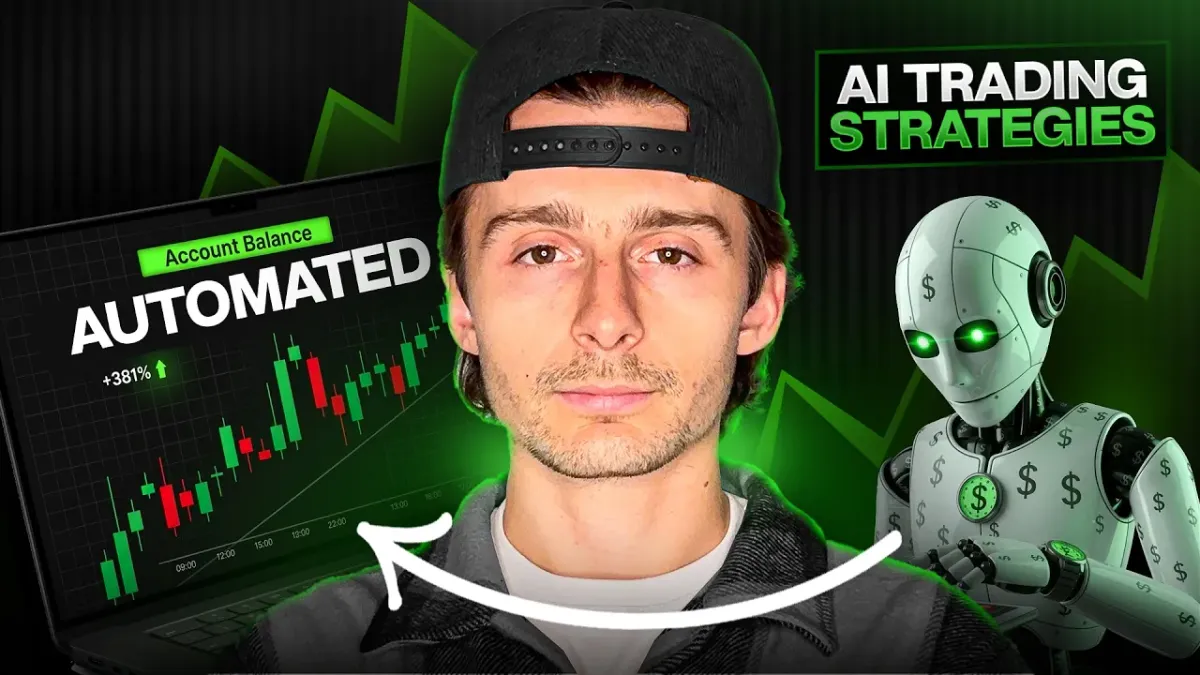
In just a few minutes, you can create a complete, profitable trading strategy using AI, turn it into ready-to-use Pine Script code, backtest it thoroughly inside TradingView, forward-test it live, and finally automate it so it trades 24/7 on your behalf — all without writing a single line of code yourself. This 2026 guide walks you through the exact process that turns AI prompts into real trading bots on TradingView and AlphaInsider, using a simple yet powerful 200-period (or optimized) moving average strategy as the example.
Whether you trade stocks or crypto like Ethereum, this hands-free approach lets you leverage AI to build, test, and deploy strategies that have historically delivered massive returns in bull markets while protecting capital in choppy conditions.
How To Make Trading Strategies With AI (And Automate Them)
Table of Contents
- Prerequisites / What You’ll Need
- Step 1: Generate Your Pine Script Strategy with AI
- Step 2: Import and Backtest in TradingView
- Step 3: Optimize the Strategy for Better Performance
- Step 4: Forward Test Live on AlphaInsider
- Step 5: Connect TradingView Alerts via Webhooks
- Step 6: Automate Trades with a Broker
- Tips & Best Practices for AI Trading Strategies
- Common Mistakes to Avoid
- Frequently Asked Questions
- Ready to Launch Your First AI Trading Bot?
Key Takeaways
- AI tools like ChatGPT, Gemini, or Claude can generate full Pine Script strategies in seconds — no coding experience required.
- A simple 200-period (or optimized 50/100) SMA crossover strategy has delivered over 76,000% returns on ETH since 2017 in backtests, outperforming buy-and-hold in key periods.
- Always forward-test on AlphaInsider before going live to validate real-market behavior beyond backtests.
- Automation via webhooks and brokers like Hyperliquid makes the entire process hands-free once alerts fire.
- Long-only versions often perform better than long-and-short in strong bull markets, but you can toggle both easily.
- The full workflow takes under an hour to set up and costs nothing to start testing.
Prerequisites / What You’ll Need
Before you begin, gather these free or low-cost tools (total setup time: 30–60 minutes):
- TradingView account (free tier works for basic testing; Premium recommended for open-ended alerts and more historical data).
- AI chatbot — ChatGPT, Gemini, or Claude (all excel at Pine Script generation).
- AlphaInsider account — Free to create and forward-test strategies.
- Crypto exchange account (optional for live automation) — Hyperliquid is recommended for its no-KYC setup, low minimum ($100), and easy bot integration; alternatives include Bitfinex or Binance.
- Basic TradingView chart access — You’ll test on daily or 4-hour timeframes for swing trading.
No programming knowledge is needed. A willingness to experiment with prompts and review backtest reports is all it takes.
Step 1: Generate Your Pine Script Strategy with AI
Start by prompting an AI chatbot to build a simple long-only strategy based on the 200-period simple moving average (SMA).
Effective prompt example:
“Create a clean Pine Script v5 long-only strategy for TradingView. Enter long when price crosses above the 200-period SMA and exit when price crosses below it. Include basic strategy settings, plot the SMA, and add comments explaining each section.”
The AI will return concise, ready-to-paste code with explanations. It typically produces a compact script with entry/exit logic, the moving average plot, and notes on how it works.
Copy the code exactly. The AI may also suggest improvements (like adding inputs for SMA length or toggles for long/short), which you’ll use later.
Step 2: Import and Backtest in TradingView
- Open TradingView and navigate to the Pine Editor (bottom panel).
- Delete any default code and paste your AI-generated script.
- Click “Add to Chart.” A successful import populates the Strategy Tester tab at the bottom.
- Switch the chart timeframe to daily (ideal for swing trading) and load your asset — ETH/USDT on Coinbase works exceptionally well for this strategy.
- Review the equity curve and performance metrics.
In backtests dating back to 2017, this long-only 200 SMA strategy on ETH showed approximately 76,000% net profit, a profit factor above 5, and clear outperformance versus buy-and-hold during major bull runs (2017–2018 and 2020–2021). It captured massive trends by staying long through extended uptrends and exiting before significant drawdowns.
Step 3: Optimize the Strategy for Better Performance
Go back to the AI and ask it to enhance the script with these features:
- Variable SMA length input (so you can test 50, 100, 150, or 200 periods).
- Toggle switches for long trades only, short trades only, or both.
- Commission settings to simulate real broker fees.
Paste the updated code into the Pine Editor and refresh the strategy.
Key optimization findings from testing:
- 50-period SMA produced more trades and strong recent performance (89% in the past year on ETH with only 13% max drawdown).
- 200-period SMA delivered the cleanest equity curve and highest overall returns in historical bull markets.
- Long-only consistently outperformed long-and-short versions on ETH.
- Weekly or daily timeframes generated fewer but higher-quality trades compared to 15-minute or 5-minute charts.
Test different periods, review the Strategy Tester’s net profit, profit factor, max drawdown, and win rate. Compare against buy-and-hold to ensure true alpha.
Step 4: Forward Test Live on AlphaInsider
Backtests can be misleading due to curve-fitting or changing market regimes. AlphaInsider solves this by tracking your TradingView signals in real time.
- Create a free AlphaInsider account and go to your Portfolio → New Strategy.
- Name it (e.g., “200 SMA Long-Only ETH”) and set it to Crypto.
- Leave it public or upgrade for private mode.
- Note the Strategy ID from the URL once created.
This page will now display live trade tracking, performance metrics, and a third-party verified trade log — giving you real-market validation before risking capital.
Step 5: Connect TradingView Alerts via Webhooks
-
On your TradingView chart, click the three dots next to the strategy name → Add Alert.
-
Set Condition to your strategy, Timeframe to match your chart (daily), and Expiration to Open-ended.
-
Paste the AlphaInsider webhook URL (found in AlphaInsider Resources → Connect to TradingView) into the Webhook URL field.
-
Copy the exact message template from AlphaInsider and paste it into the Message field.
{ "strategy_id": "STRATEGY_ID", "stock_id": "STOCK_ID", "action": "{{strategy.market_position}}", "leverage": "LEVERAGE", "api_token": "API_TOKEN" } -
Replace placeholders with your Strategy ID, Stock ID (e.g., ETH:COINBASE), leverage (start at 1x), and API token.
Create the alert. Your first live signal will now automatically populate on AlphaInsider for forward testing.
Step 6: Automate Trades with a Broker
Once you have confidence from forward testing:
- In AlphaInsider, click Auto Trade on your strategy page.
- Connect your broker (Hyperliquid is the easiest — no KYC, $100 minimum).
- Allocate 0–100% of your bot capital to this strategy.
- Enable the bot and set leverage (1x–10x depending on risk tolerance).
The bot will now execute every TradingView signal automatically. Never place manual trades in the same account to avoid conflicts. Monitor performance periodically, but the system runs completely hands-free.
Tips & Best Practices for AI Trading Strategies
- Start simple — a basic SMA crossover outperforms overly complex prompts in initial tests.
- Always compare strategy results to buy-and-hold on the same asset and timeframe.
- Use daily or 4-hour charts for swing trading to reduce noise and fees.
- Re-prompt the AI with any Pine Editor error messages — it fixes issues in 1–2 iterations.
- Document every version of your script and backtest results for future reference.
- Scale allocations gradually as live performance matches backtests.
Common Mistakes to Avoid
- Skipping forward testing — backtests alone can hide repainting or regime shifts.
- Using high leverage immediately — start at 1x until you see consistent live results.
- Ignoring commissions in the strategy tester.
- Over-optimizing on recent data only — test full history (2017+ for crypto).
- Forgetting to save and rename your Pine Script in TradingView.
Frequently Asked Questions
Do I need any coding experience to build an AI trading strategy?
No. The entire process relies on AI generating perfect Pine Script for you. You only copy, paste, and test.
Which AI tool works best for Pine Script?
ChatGPT, Gemini, and Claude all perform exceptionally well. Claude often produces the cleanest, most reliable code.
How much capital do I need to start automating?
Hyperliquid allows automation with as little as $100. Start small and scale as you gain confidence.
Will this strategy work on stocks or only crypto?
It works on any asset, but the example was optimized on ETH. Test the same logic on SPY or other symbols and compare results.
What if the backtest looks great but live performance differs?
That’s exactly why AlphaInsider forward testing exists. It reveals real-time behavior and any issues like slippage or new market conditions.
Can I make the strategy more advanced later?
Absolutely. Add RSI filters, engulfing candles, profit targets, or trailing stops by simply describing your idea to the AI.
Is AlphaInsider free?
Creating and forward-testing strategies is free. Higher plans unlock private strategies and additional features.
How often should I check the automated bot?
Weekly reviews are sufficient once everything is running smoothly. Set alerts for major drawdowns if desired.
Does the strategy repaint?
The SMA crossover logic shown here does not repaint when properly coded. Always verify by watching live signals match historical ones.
Ready to Launch Your First AI Trading Bot?
You now have a complete, repeatable system to build, test, forward-test, and automate AI-powered trading strategies on TradingView and AlphaInsider — all without touching code. The beauty of this workflow is its flexibility: start with a simple 200 SMA long-only approach on Ethereum, optimize it to your risk tolerance, and scale into full automation when you’re ready.
The markets move fast, but AI and automation tools have never made professional-grade trading more accessible. Open TradingView, fire up your favorite AI chatbot, and build your first strategy today. Your future self (and your portfolio) will thank you.
Leave any questions about the process in the comments — from prompt engineering to webhook troubleshooting, we’re here to help you succeed.