How To Connect AlphaInsider to Bitfinex for Automated Crypto Trading
Connect Bitfinex to AlphaInsider: API keys for live/paper, intermediate verification, $100 min for automated crypto bots.

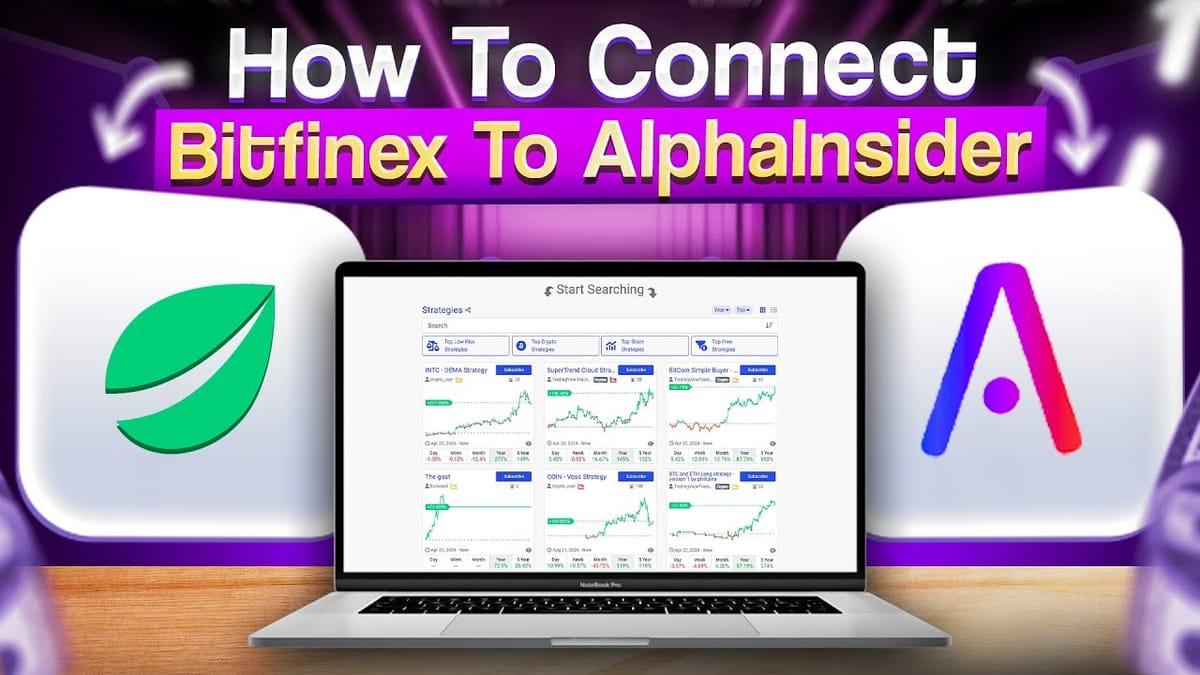
Tutorial video on connecting Bitfinex API to AlphaInsider for trading bots.
Bitfinex is a robust crypto exchange supporting long/short trading with leverage. AlphaInsider integrates seamlessly, allowing automated bots using marketplace strategies or custom ones.
Requirements
- Bitfinex account with intermediate verification .
- Minimum $100 balance.
Step By Step Connection Guide
- Log into Bitfinex > top right dropdown > API Keys.
- Select "Create new key" tab.
- Enable: "Create and cancel orders", "Claim a position", "Offer, cancel and close funding". Keep withdrawals off for security.
- Name the key > "Generate API Key" > complete 2FA.
- Check email for API key link.
- In AlphaInsider bot setup: paste public (API key) and private (secret key) > Save.
Optional: Setting Up Paper Trading on Bitfinex
- Top right dropdown > "Sub-Accounts" > "Create new sub-account".
- Fill unique username/email (e.g., your_email+1@gmail.com) > Next.
- Verify via email link.
- In sub-account: agree to terms, set up new 2FA.
- Repeat live API key steps in paper sub-account.
Your Bitfinex bot is now connected. Automate trades without withdrawal risks—AlphaInsider only needs execution permissions.