
How to Connect Alpaca to AlphaInsider for Automated Stock Trading
Connect Alpaca to AlphaInsider: generate API keys, select paper/live, meet $25,000 balance to satisfy PDT regulations.

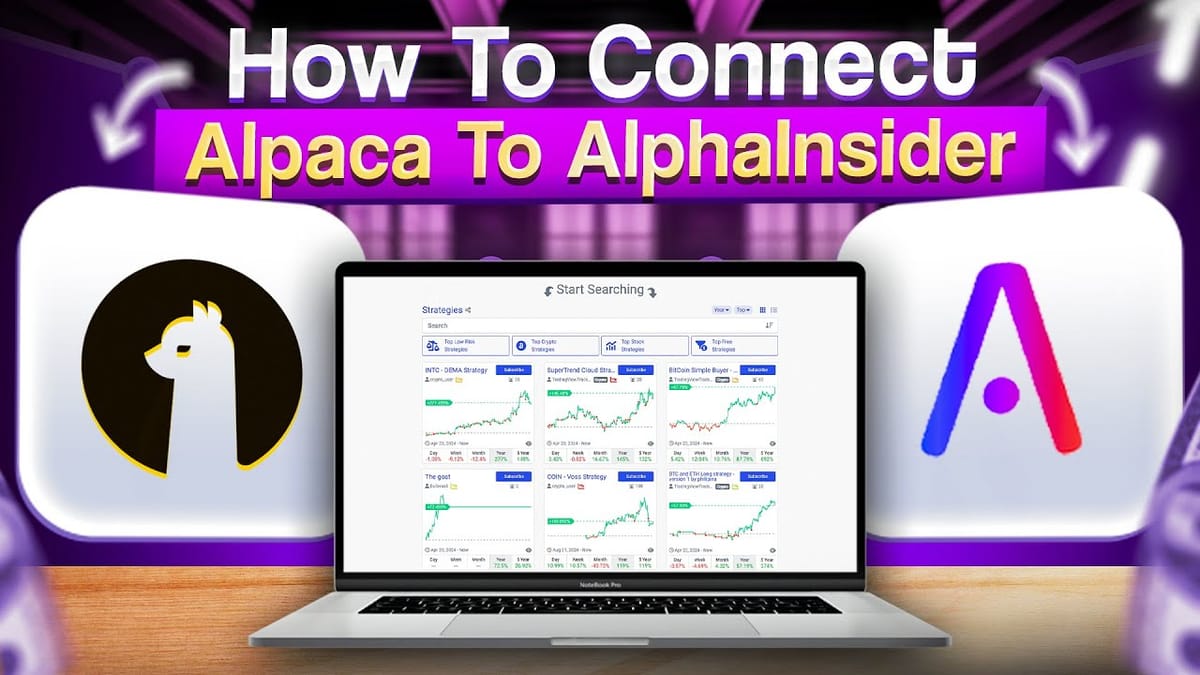
Step by step video guide to automating your trades using Alpaca and AlphaInsider
AlphaInsider lets you automate stock trading strategies through Alpaca, enabling seamless automated executions. You can manage strategies, control risk, and monitor performance on AlphaInsider while your trades execute on Alpaca, where your funds stay secure with a registered broker dealer.
Requirements
- Active Alpaca account (free)
- Minimum equity: $25,000 (recommended $30,000 to buffer volatility and avoid pattern day trader restrictions).
Step-by-Step Connection Guide
- Choose Account Type on Alpaca Log into Alpaca dashboard. Select "live" for real funds or "paper" for simulated trading via the dropdown before generating keys.
- Generate API Keys on Alpaca In "API keys" section, click Regenerate > Generate new keys. Copy Key ID (public) and Secret (private)—secret shown only once.
- Setup on AlphaInsider During bot creation or broker connection:
- Select Alpaca.
- Choose matching account type (paper/live).
- Paste public key (Key ID) and private key (Secret).
- Click Create/Save.
Your Alpaca account is now linked—orders automate via AlphaInsider strategies.
If you need help, contact us.