
How to Automate Trades on AlphaInsider
Step-by-step guide to automating trades on AlphaInsider using automated trading bots for stocks and crypto, ideal for beginners.

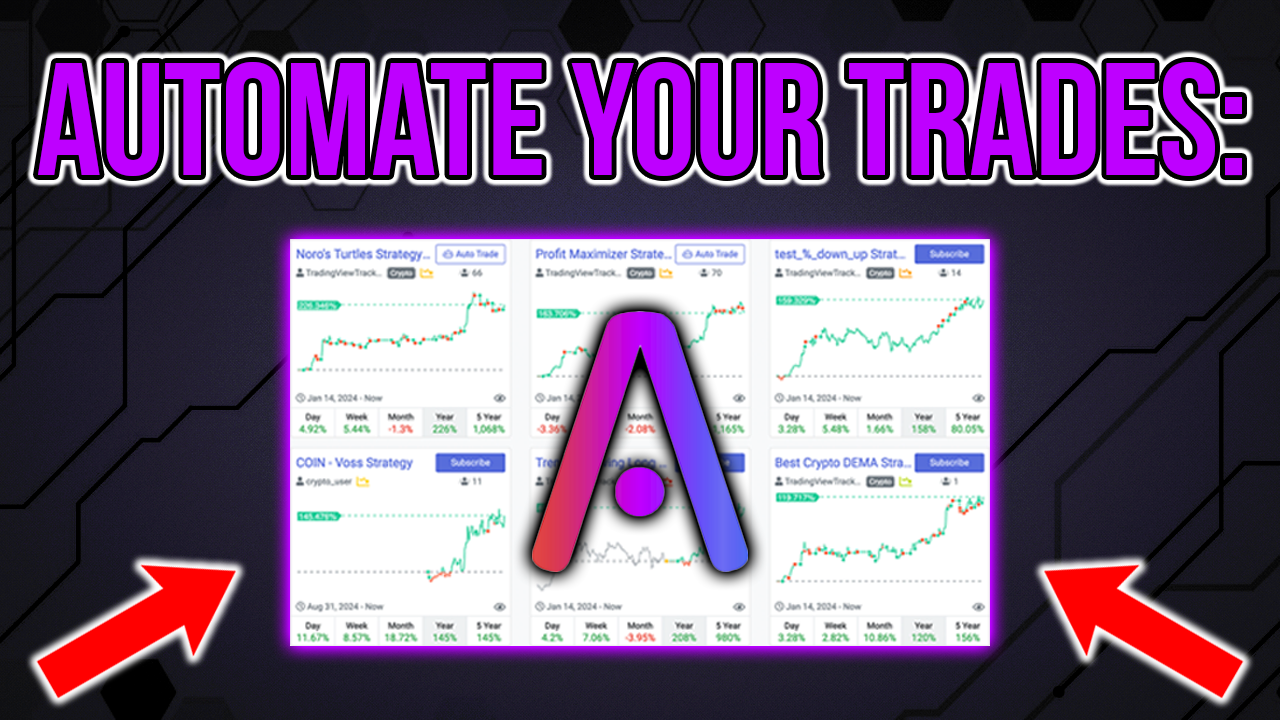
AlphaInsider is an automated trading platform offering algo trading software for stocks and crypto. It enables users to automate trading without coding, using pre-tested strategies connected to brokers for seamless execution. Whether you're new to automated trading for beginners or experienced, you can create an AI trading bot, stock trading bot, or crypto trading bot quickly.
This guide covers requirements, broker setup, subscribing to strategies, creating your bot, and management tips.
Guide to setting up an automated trading bot on AlphaInsider.
Requirements for Automating Trades
To automate trading on AlphaInsider:
- Compatible Brokers: For crypto, use Binance or Bitfinex. For stocks, use Alpaca. Additional options like Hyperliquid are available—see setup guides.
- Account Types: Crypto requires a margin account (non-US only). Stocks need $25,000 minimum for FINRA compliance; crypto needs $100.
- AlphaInsider Account: Free to deploy your first bot and one automated strategy. Pay for automating multiple strategies. No credit card required.
- API Keys: Generate from your broker for secure connection.
Detailed broker connection guides: Alpaca, Hyperliquid, Bitfinex, Binance.
Subscribing to Strategies
Subscribe to strategies first via the Subscriptions page. These form the basis of your auto trading setup.
Creating Your Automated Trading Bot
- From the homepage, click "Connect Broker" or "Auto Trade" on a subscribed strategy.
- Choose stock or crypto tab.
- Select broker (e.g., Alpaca for stock trading bot).
- Pick paper or live account.
- Enter API keys (public and private).
- Click "Create" to initialize your AI trading software bot.
For the first strategy, allocate 100% by default.
Managing and Allocating Strategies
Access your bot from the homepage.
- Edit Settings: Add alerts, enable rebalancing, or close positions on stop.
- Add Allocations: Click "New Allocations," search subscribed strategies, set percentages (e.g., 40% each for multiple).
- Start/Stop: Toggle the bot on/off; confirm warnings.
The bot rebalances automatically based on allocations.
Important Notes
- Revoke API access anytime via your broker.
- No manual trading on connected accounts—fully automated.
- Use separate accounts for manual trades.
AlphaInsider simplifies automated trading with its automated trading bot features. Sign up today to start automating your trades.